A website can have clear messaging, thoughtful design and excellent technology, yet still feel generic. Often, the missing ingredient is the photography.
Visitors want evidence, not only claims
Images are sometimes treated as something to add when the website is nearly finished. The layout is complete, the copy has been approved, and someone starts searching through an old image archive or turns to stock photography to fill the remaining spaces.
That approach overlooks the real role of photography. On a business website, images do more than decorate a page. They help visitors understand the company, recognise its people and decide whether it feels credible.
Good photography should therefore be planned as part of the website, not added as an afterthought.
Most companies make similar promises: experienced people, close collaboration, high quality and good customer service. Photography can turn these abstract claims into something visitors can see.
A picture of the actual team is evidence that there are real people behind the company. Photographs from the workplace reveal something about how the business operates. Images from projects, production environments or client situations make the company’s experience more tangible.
This is particularly important for B2B companies, where the service may be complex and the buying process may involve several people. Before arranging a meeting, a potential customer wants to understand who they might be working with. Authentic photography reduces some of that uncertainty.
Custom photography makes a company recognisable
Stock photography can solve an immediate layout problem, but it rarely creates a distinctive brand.
The same types of images appear throughout many industries: people gathered around a laptop, a handshake in a glass meeting room or a group pointing at sticky notes. These photographs may be technically good, but they could belong to almost any company.
Custom photography gives the website visual material that competitors cannot use. The people, locations, products and details belong to that specific business.
When the photographic direction supports the visual identity, the result becomes even stronger. Lighting, colour, composition and the way people are photographed can all reinforce how the company wants to be perceived, whether that is precise and technical, confident and established, or open and approachable.
The goal is not simply to make the company look good. It is to make the company look like itself.

The About page is often more important than companies realise
Visitors do not always move directly from the homepage to the contact form. Many visit the About page or team section first. They want to know who is behind the business.
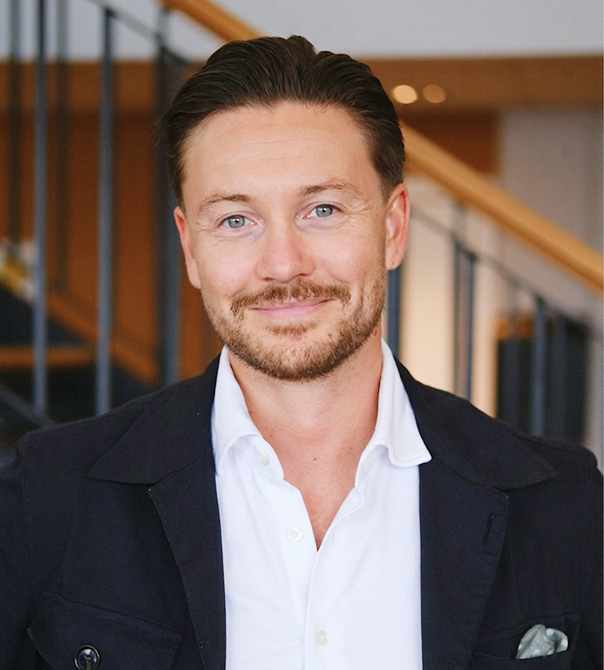
For professional service companies, technology businesses and consultancies, the people are a large part of the product. Consistent, well made employee portraits therefore do more than complete a team grid. They help make the company feel established and approachable.
Consistency matters here. When portraits have very different backgrounds, lighting, crops and image quality, the team page can appear assembled rather than considered.
That does not mean every person needs to look identical. A consistent photographic framework can still leave room for personality. In fact, the strongest portrait series usually achieves both: a clear visual connection between the images and a sense of the individual in each one.

Start with the job each page needs to do
A useful photography brief should not begin with “We need 30 photographs.” It should begin with the purpose of the website.
Different pages need different kinds of visual evidence:
- The homepage may need a strong opening image that quickly establishes the company’s character.
- Service pages need images that help explain the work or show it being delivered.
- The About page needs portraits and workplace photographs that introduce the people.
- Recruitment pages should show enough of the real environment to help candidates imagine working there.
- Case studies need specific details from the project, not generic supporting imagery.
- Contact pages benefit from recognisable people or locations that make taking the next step feel easier.
Once those roles are clear, the web designer and photographer can plan the shoot around the actual layouts.
This also prevents a common problem: receiving many attractive images that do not fit the website. A horizontal hero area, a narrow mobile crop and a square team card all require different compositions. The photographer should know where the images are intended to appear before the shoot begins.
Build an image library, not just a hero image
A website rarely needs only one spectacular photograph. It needs a flexible visual system.
A useful company image library might include:
- Team and leadership portraits
- People working individually and together
- Client or project situations
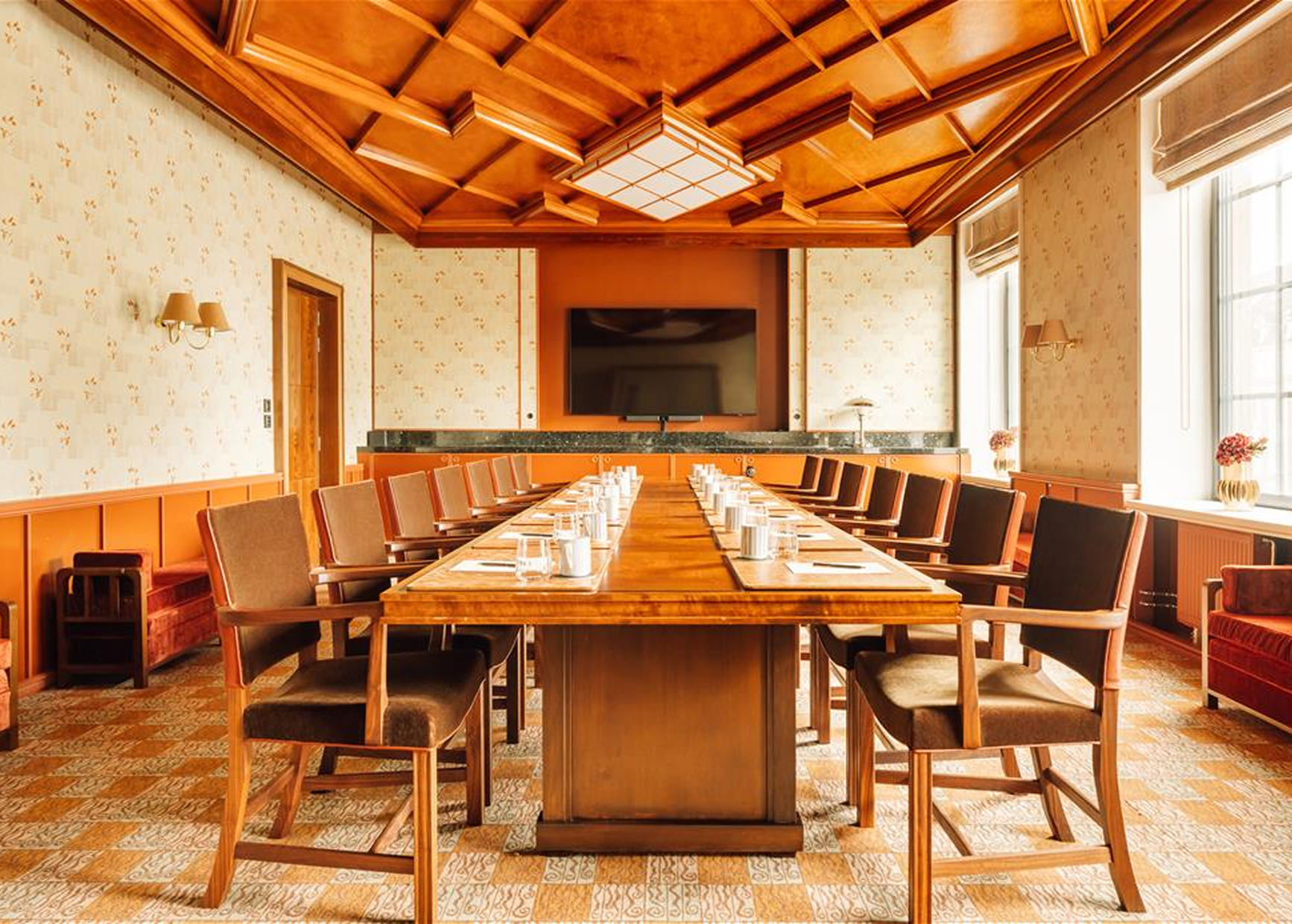
- Wider photographs of the workplace
- Close details of tools, products or processes
- Horizontal and vertical compositions
- Images with space for headlines or interface elements
- Alternative crops for desktop and mobile
- Photographs suitable for articles, presentations and social media
Planning this material together makes the visual identity more consistent across the website. It also gives the company more value from the photography because the images can support future landing pages, recruitment campaigns, presentations and editorial content.
Image quality also includes website performance
A beautiful photograph is not useful if it makes the page unnecessarily slow.
The original files from a professional camera are normally much larger than a website needs. Images should be exported in appropriate dimensions and modern formats, while responsive websites should serve smaller files to smaller screens.
Cropping also needs attention. An image that works on a wide desktop screen may lose the important subject when displayed vertically on a phone.
Accessibility is another part of implementation. Informative images should have useful alternative text that explains their purpose. Decorative images should not create unnecessary noise for people using screen readers.
These decisions usually sit between photography, design and development. The best results come when the disciplines are considered together.
Photography needs to remain current
Websites evolve. Teams change, services develop and offices move.
When the photography no longer represents the company, visitors notice. A team page containing missing employees, visibly older portraits or several incompatible photographic styles can quietly undermine confidence.
That does not mean producing an entirely new image library every year. It means creating a repeatable visual direction and deciding who is responsible for keeping it current.
For employee portraits, the process should make it possible to photograph new colleagues in the same style. Broader workplace and brand photography can then be refreshed when the company has changed enough that the existing images no longer tell the right story.
A practical photography checklist for a new website
- Which pages need original images?
- What should visitors understand or believe after seeing them?
- Which people, locations, products and processes should be represented?
- Which desktop and mobile formats are required?
- Does the visual direction support the brand identity?
- Where will the images be used beyond the website?
- Are the necessary usage rights included?
- Who will prepare, crop and optimise the files?
- How will new employees or future needs be handled?
- Who is responsible for keeping the library current?
Photography is part of the website system
The strongest websites align strategy, messaging, design, technology and content. Photography belongs in that same system.
It gives visitors evidence. It introduces the people behind the company. It differentiates the brand and helps a well designed website feel specific rather than interchangeable.
A website should not merely say that a business is credible. Through its images, it should allow visitors to see why.
About the author
Mats Bakken is an Oslo based corporate photographer specialising in employee portraits, press photography and image libraries for businesses. He has more than 15 years of experience helping Norwegian companies present their people and work clearly and consistently. All photographs featured in this article were taken by Mats.